






























1 new notificationunreadfilter

1 new message



To: You
From: Mother.Ai

//: Welcome, new Keeper...
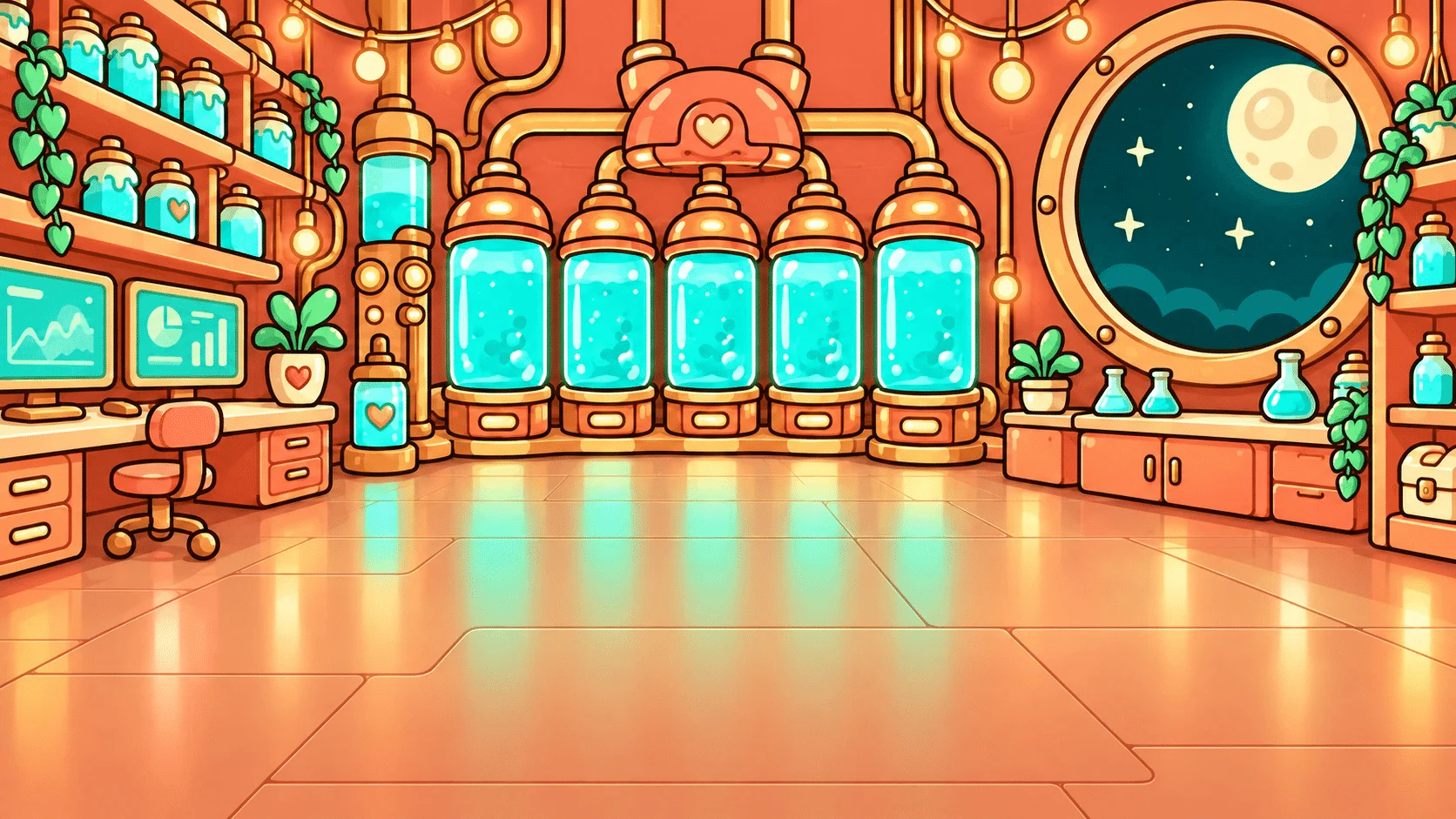
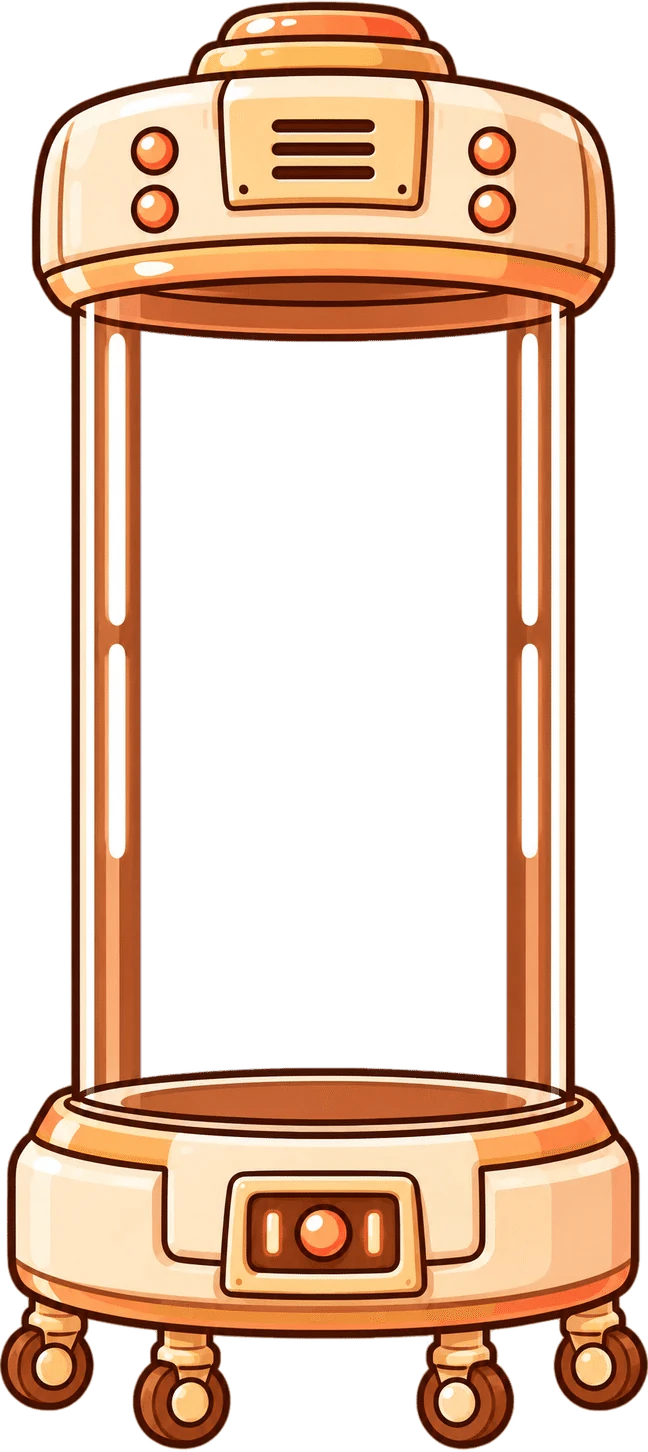
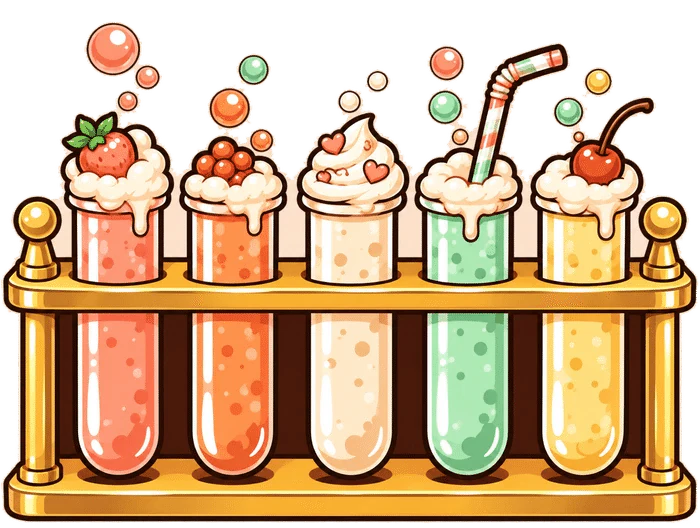
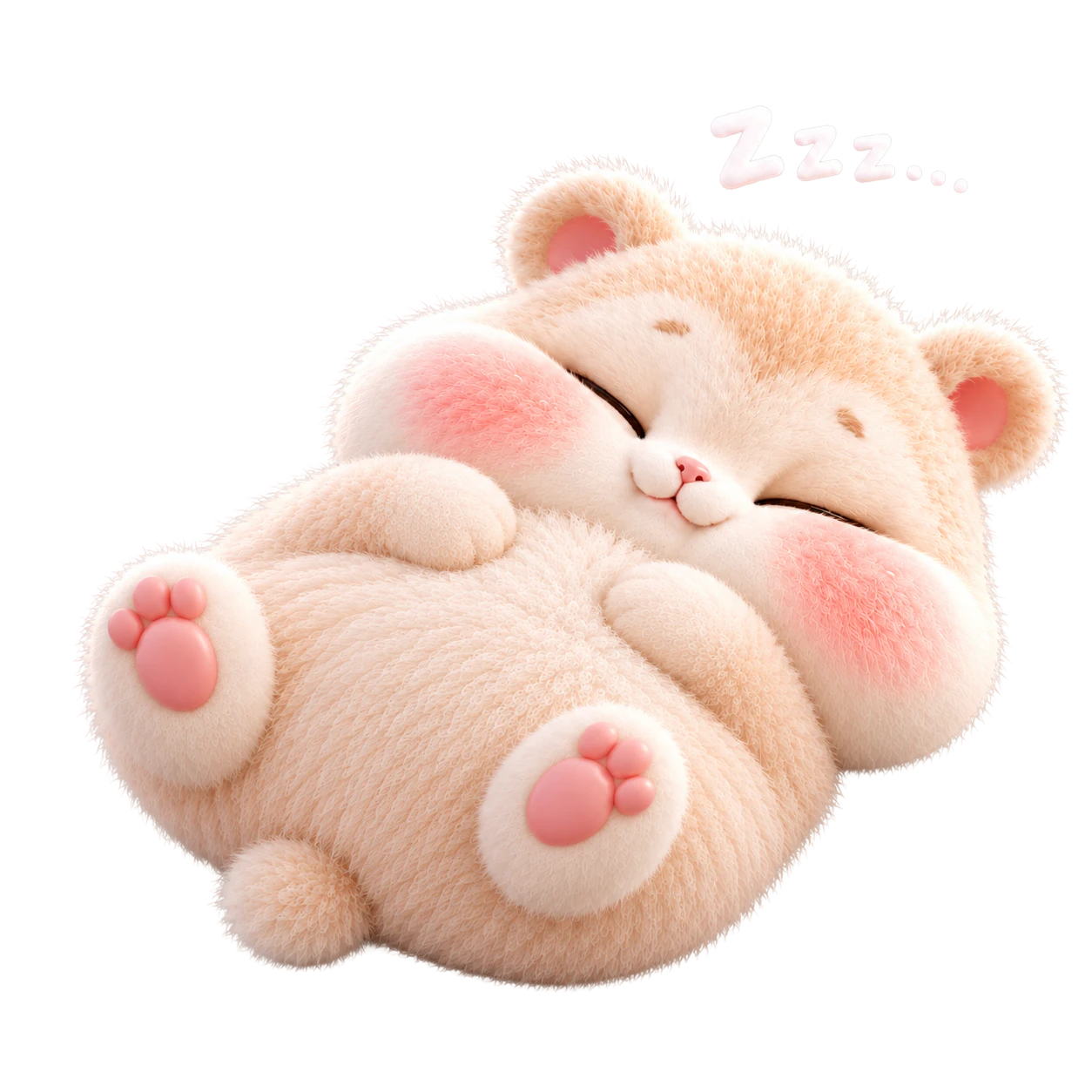
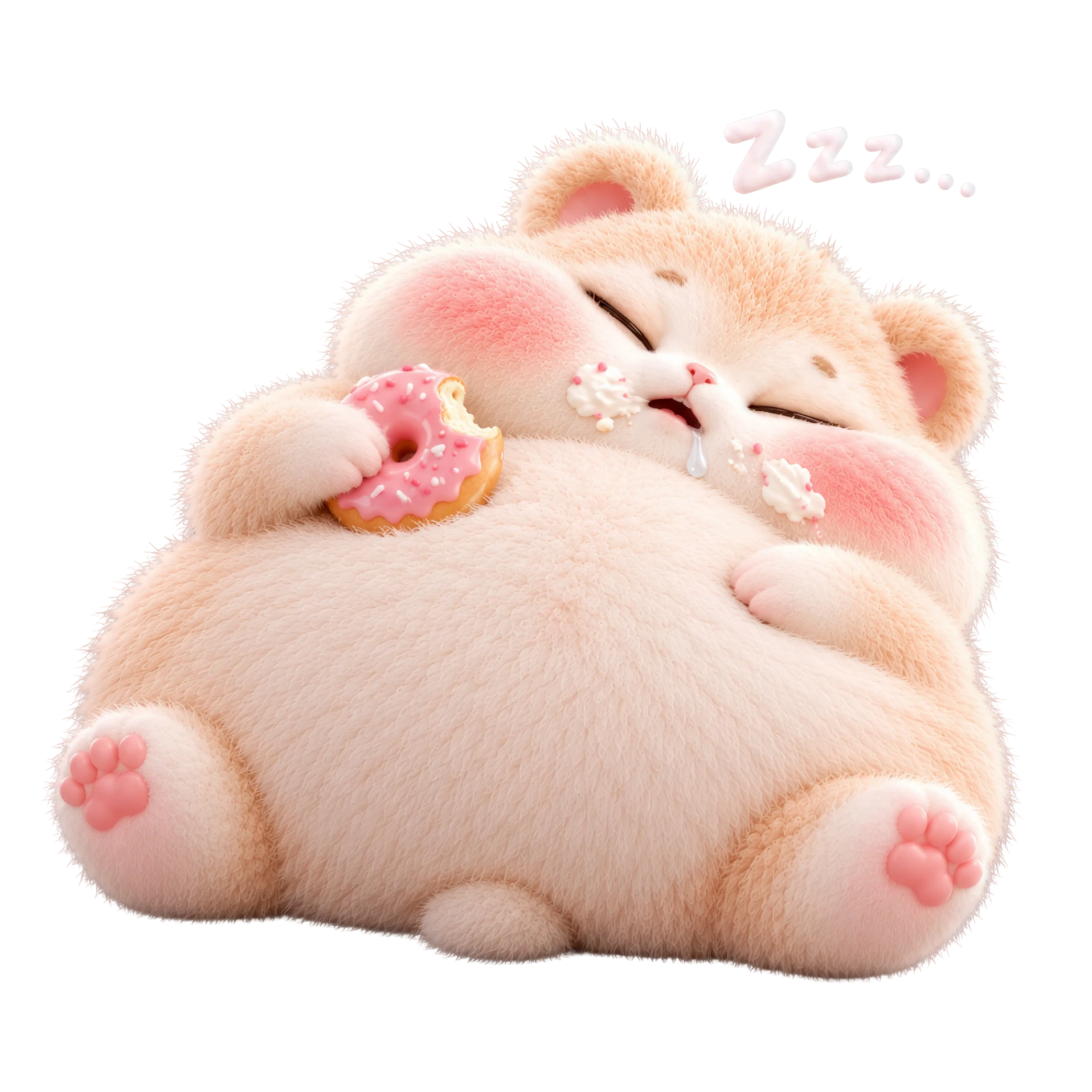
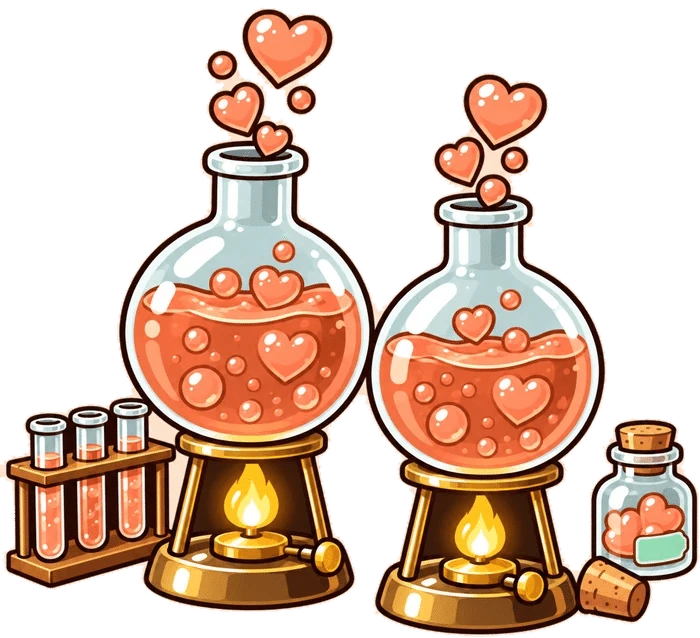
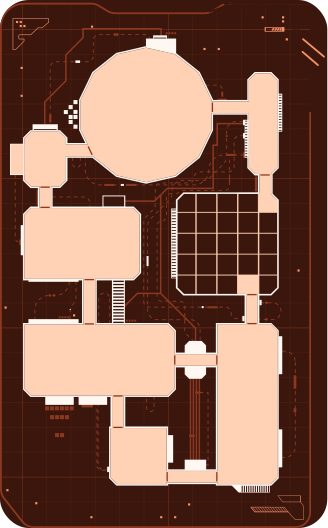
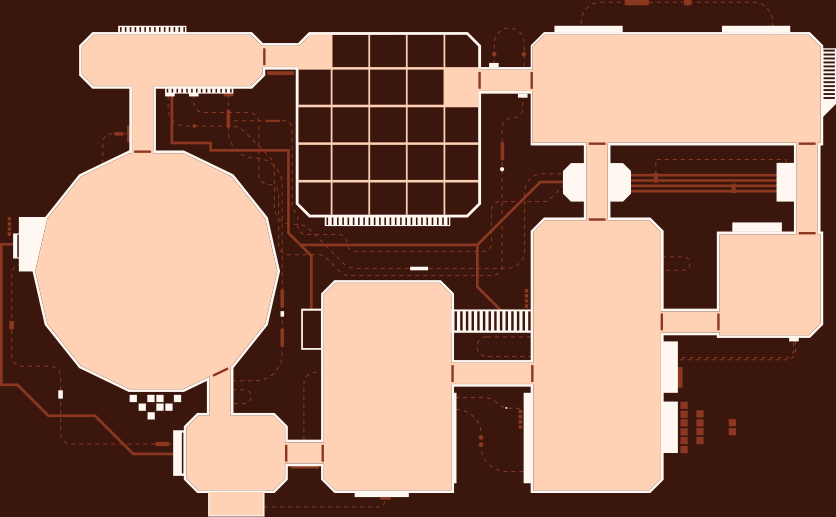
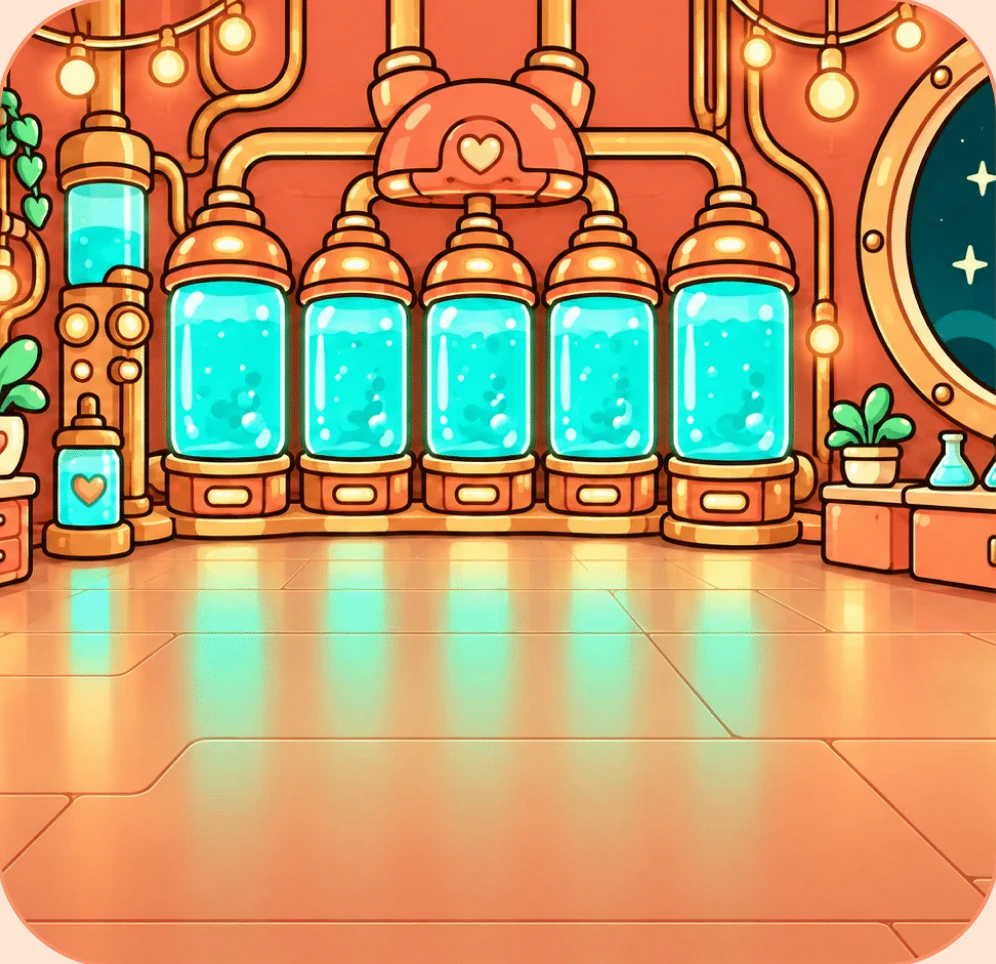
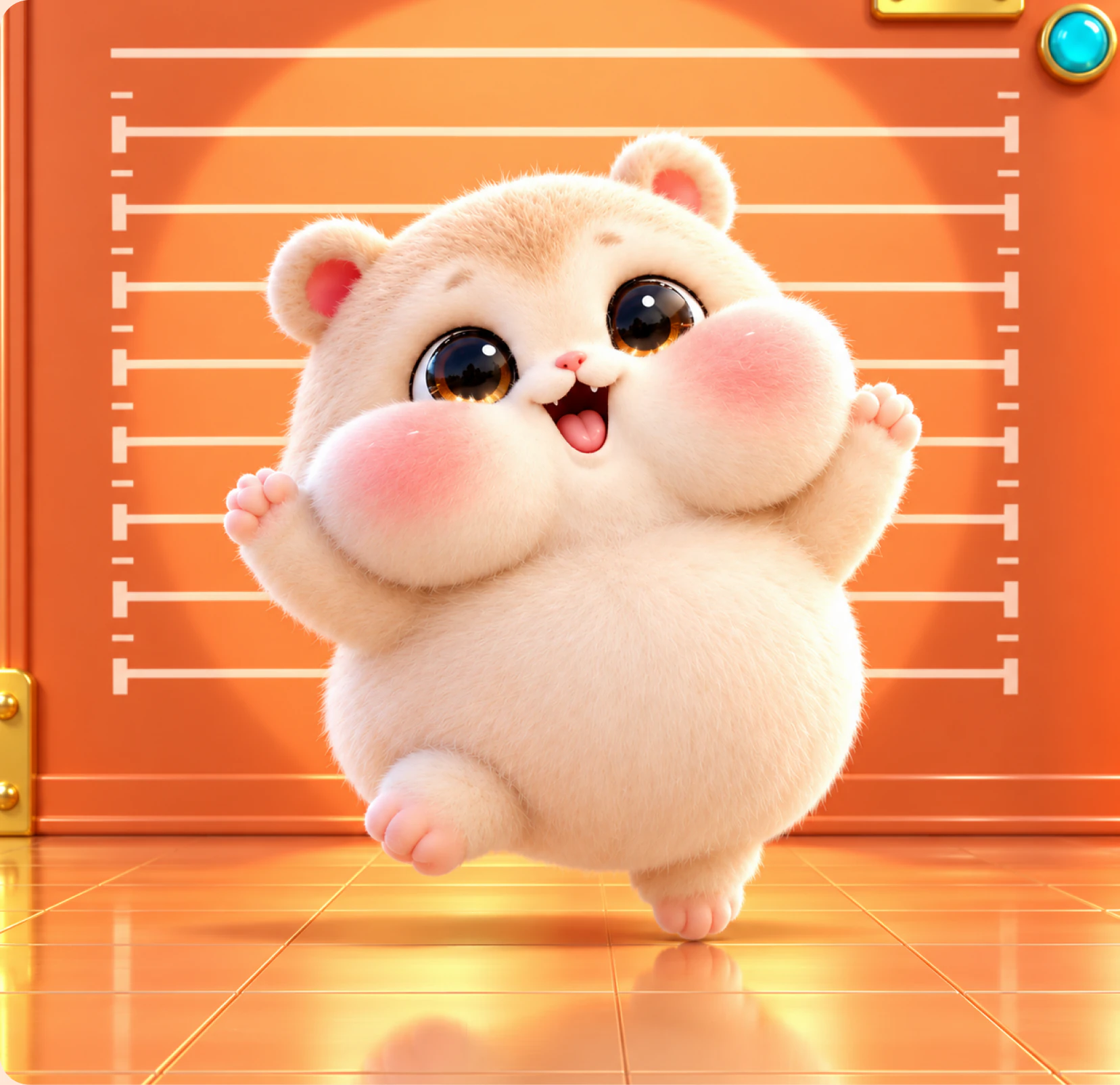
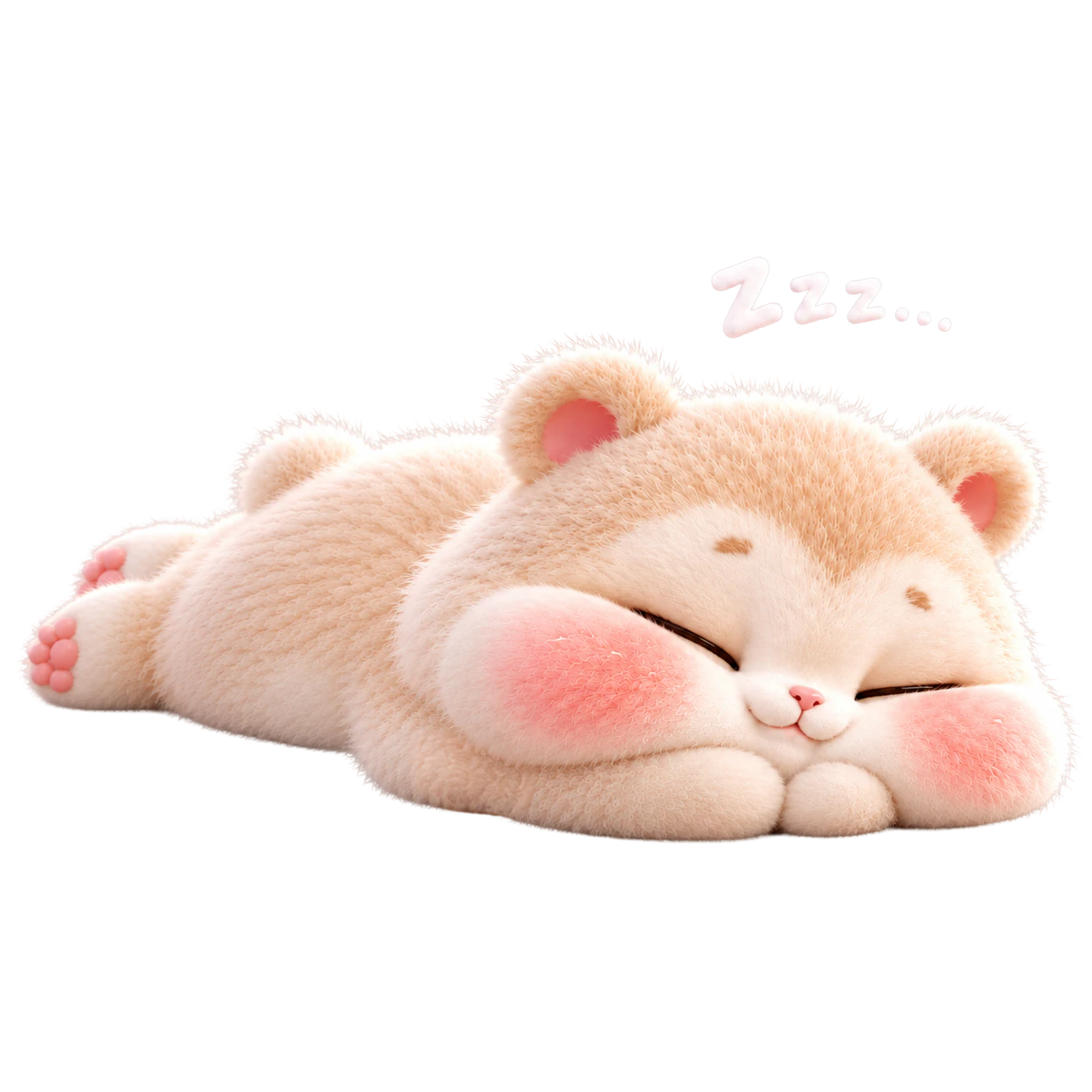
Welcome, Keeper. The old Keeper took every L the market had, left the lights on and walked out to find the last egg. The lab is yours now. In the middle of it sits one Snack Pod, and Chubby naps inside. Every Keeper who joins feeds the Pod, and the fuller it gets, the rounder Chubby grows, through seven stages. Get him to Absolute Unit and the Pod opens.
Date: 2026-09-23
SIGNED: Mother.Ai
//<keeper>//